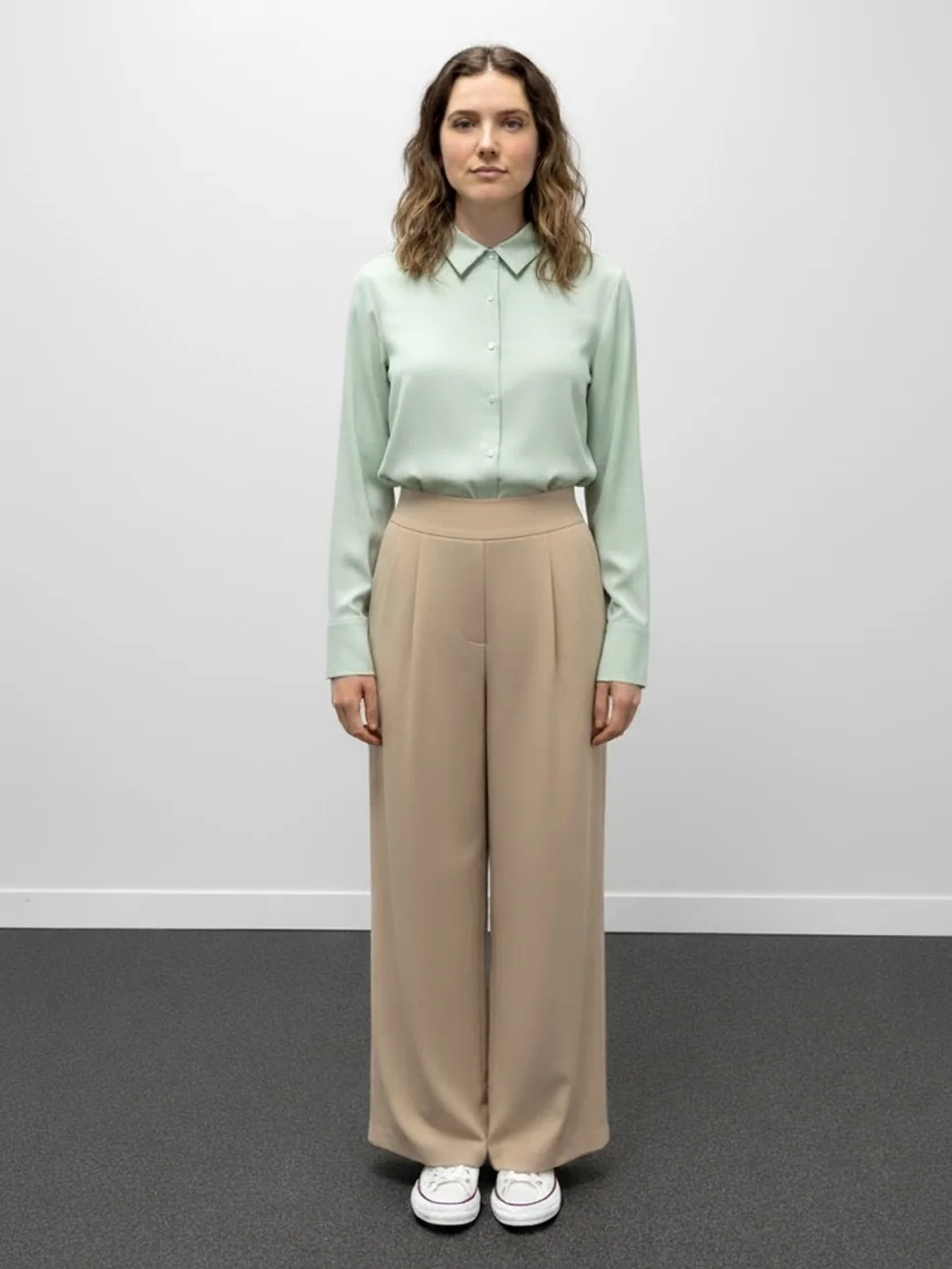
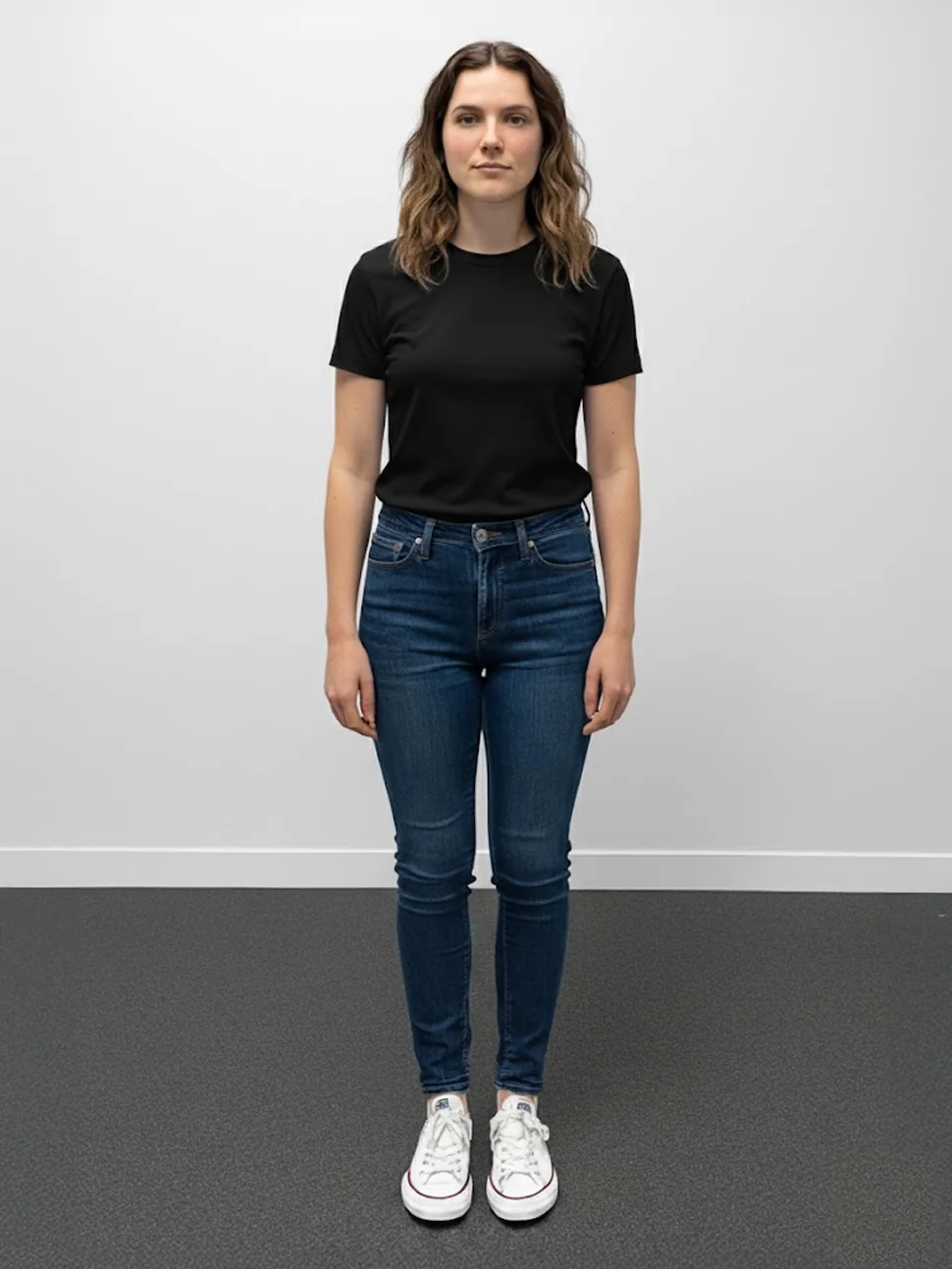
Try one piece.
Then the whole look.
Any garment, on their body, in seconds.
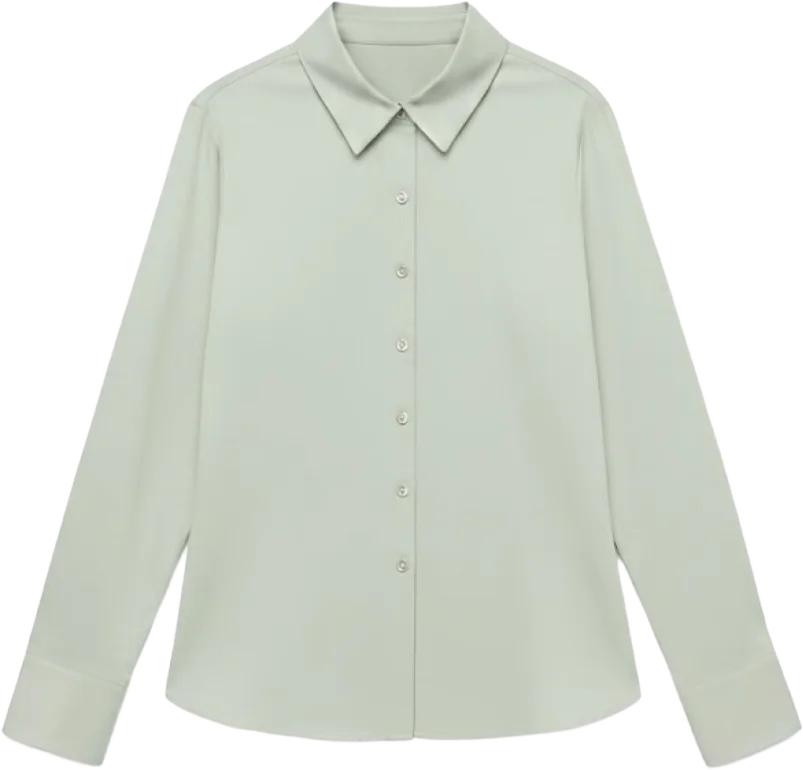
The shopper opens a product page and taps try-on. That garment renders on their photo - real drape, real proportions - before they've scrolled past the reviews.
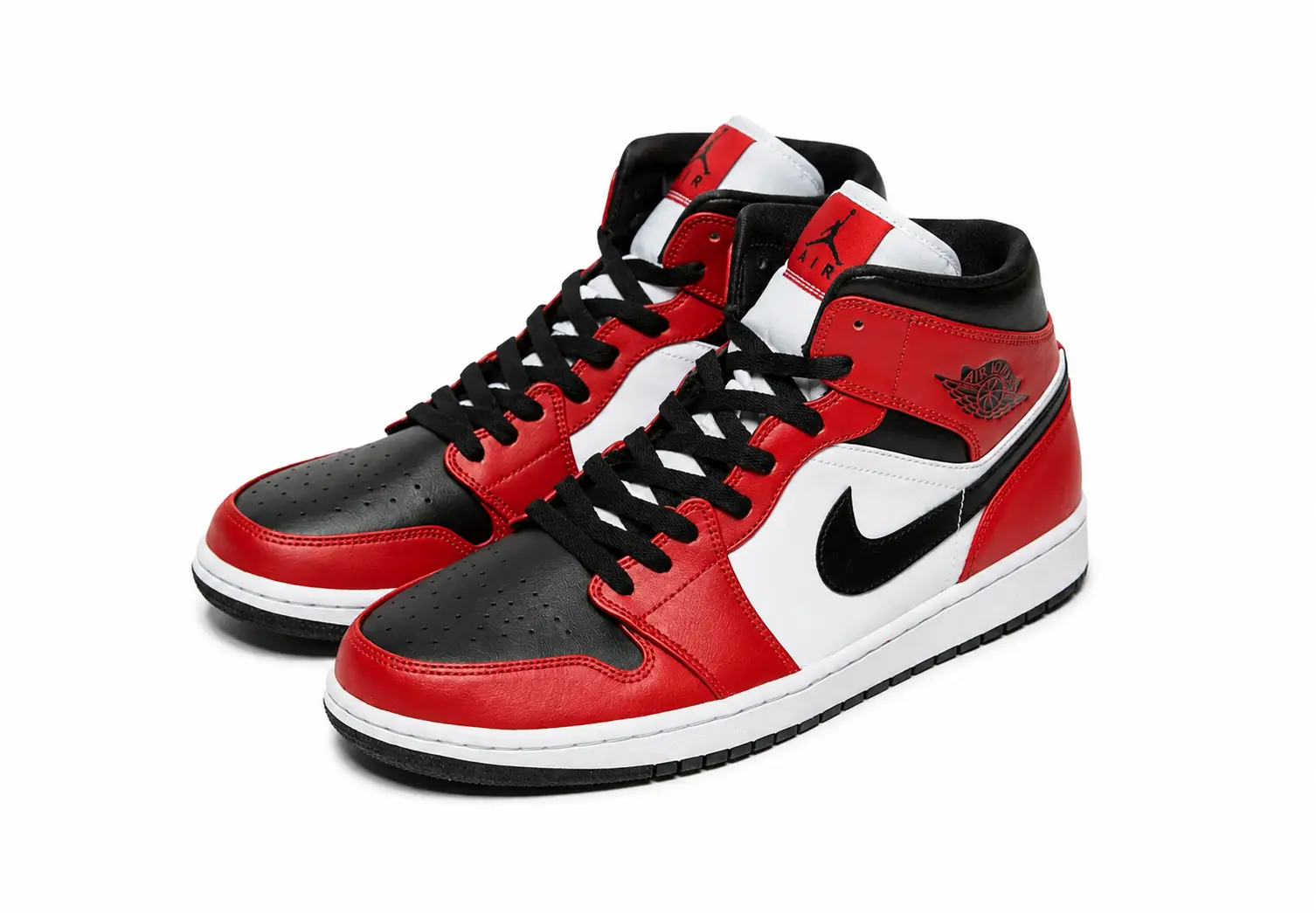
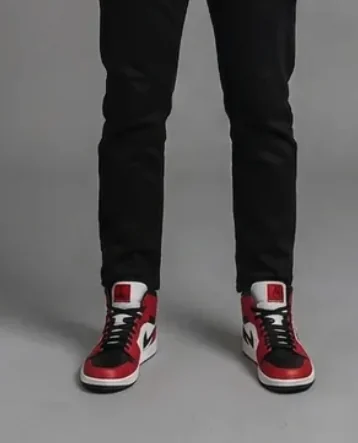
Shoes on their feet, from the same photo.
It doesn’t stop at clothes. The same single photo puts footwear on their feet too - so the shoe aisle gets the fitting room, not just apparel. Nothing extra to upload, nothing extra to set up.

The whole outfit - top, bottom & shoes.
The pieces become a look. Shoppers put the top, the bottom and the shoes on together, and Try keeps the outfit coherent - correct layering order, one body, one image. Complete looks leave with bigger baskets.
Then take it live -
AR and 3D.
Live AR - shoes on their feet in real time.
Footwear goes further than a photo: shoppers point their camera at their feet and the shoe appears in real time - turn, flex, step, it stays locked on.
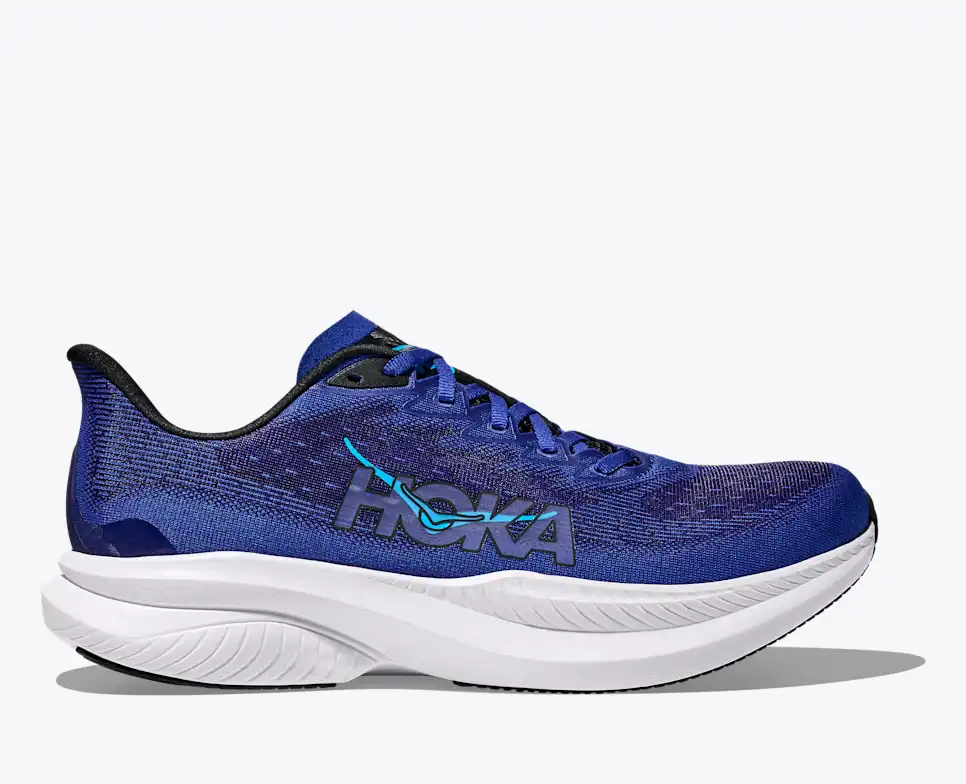
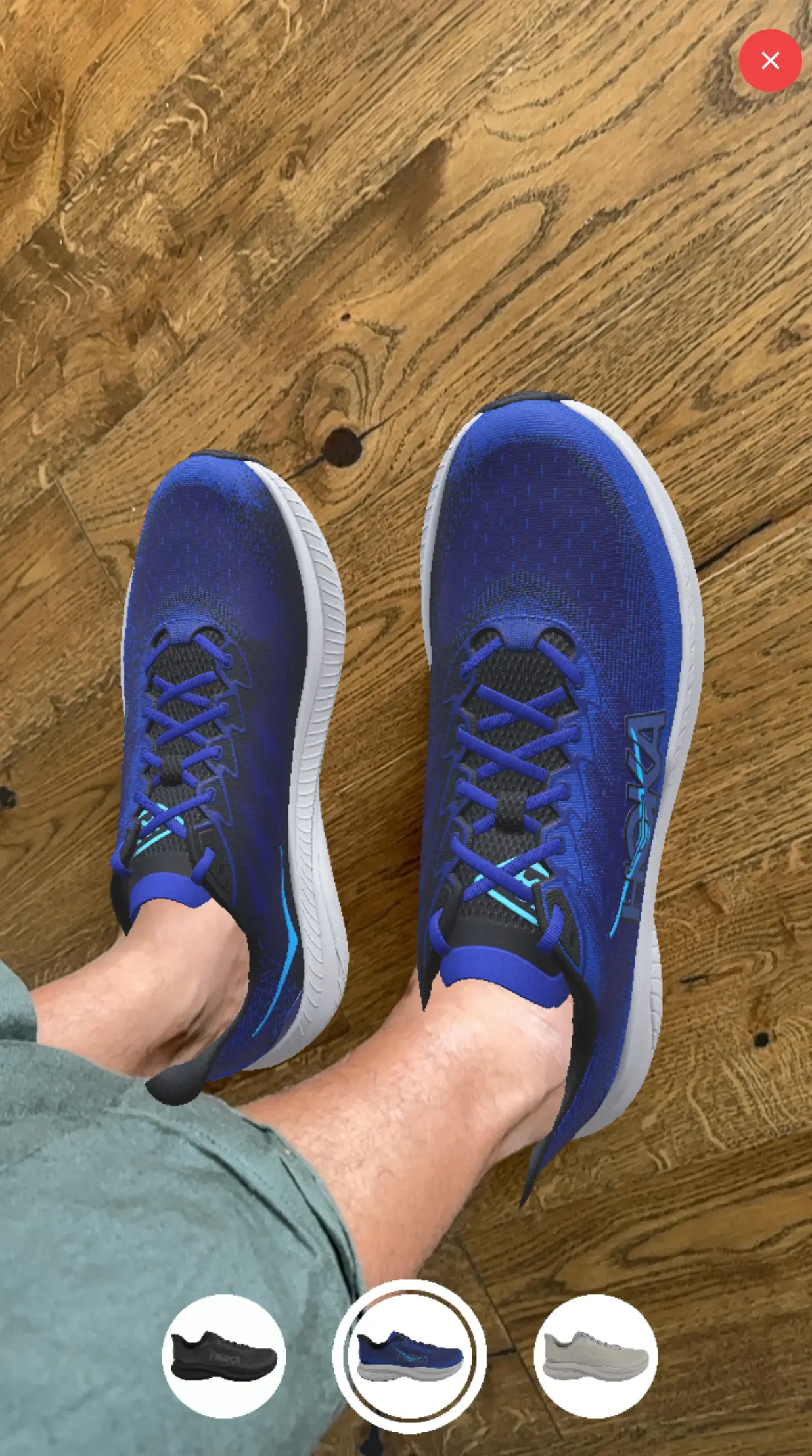
Spin it, zoom it, see it in their space.
A shopper who can turn a shoe over, look at the stitching, switch the colourway and then put it on their own feet is doing what they'd do in a shop. They buy with the same confidence, and they send far less back.
Common questions
How does virtual try-on work?
The shopper uploads one photo. Try generates a photorealistic image of them wearing the product, with correct drape and layering for apparel and correct placement for footwear. There's no app to install and no 3D body scan to sit through.
Does virtual try-on reduce returns?
Seeing a product on yourself before buying removes the main reason people order two sizes or send things back unworn, and it's why try-on exists as a category. We publish A/B tested returns figures for Size - HOKA, Pikolinos and Birchbury are on our customer stories page. We don't yet publish a returns figure for Try, and we won't until we've measured one on a named customer's traffic.
Do shoppers need to install an app?
No. Try runs in the browser on your product page. One photo, no download, no account.
Can shoppers try on a whole outfit?
Yes. Apparel layers - a top over trousers, a jacket over both - so a shopper can build and view a full look rather than one garment at a time.
How long does it take to install?
Install can be completed within 48 hours - it's an app embed or a single script tag, no re-platforming. And you can see it working before you install anything: send us your store URL and we'll email you a working try-on demo built from your own catalogue within two business days, free, with no call.
How much does it cost?
Try starts at $39 a month, priced by monthly order volume. No setup fee, cancel monthly.